FUTURE STUDENT
CURRENT STUDENT
GRADUATE STUDIES
LEAP
ALUMNI
WHY OAKWOOD





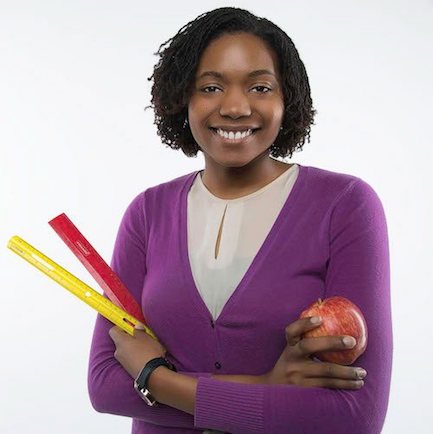
“I knew this was where GOD called me to be.. It was definitely worth it and I would not change this experience. I would not change ANY element, ANY moment of this story.” – Kristen Nedd, B.S., Elementary Education
APPLY NOW!
NEWSROOM
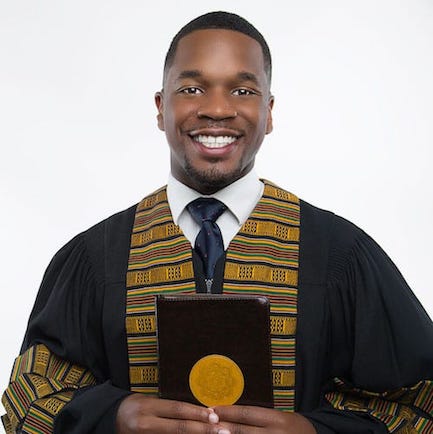
“Oakwood is motivating. I’m motivated to go out into the world to serve and ultimately continue my education to become a better person. A better person for CHRIST and a better CHRISTIAN.” – Jordaan M. Houston, B.A., Ministerial Theology
– APPLY NOW!

Oakwood University Wins 4th National Championship at Honda Campus All-Star Challenge
Huntsville, AL - Oakwood University has emerged as the new national champion at the 35th Honda Campus All-Star Challenge (HCASC) held over the weekend. The Alabama-based university defeated 31 other teams to take home the title and a $100,000 institutional grant....

Community Health Workers Wanted
Oakwood University is seeking individuals interested in participating in the training and certification program for Community Health Workers (CHWs). The COVID-19 pandemic has highlighted the disconnect between patients who are at home and healthcare facilities. This...

International Town Hall Meeting – March 17, 2024
On behalf of Dr. Leslie Pollard, the Administrators, and the Oakwood University Faculty and Staff, we would like to say thank you to everyone who joined us for our International Town Hall Meeting on Sunday, March 17th. We appreciate the chance to share our latest...

Oakwood Names a New VP of ESR
Dr. Leslie Pollard, President of Oakwood University, is pleased to announce the appointment of Elder Robert Edwards as the Vice President for Enrollment Services and Retention. Elder Robert Edwards is a minister and leader with over 40 years of service to the...

Oakwood Names a New VP of University Advancement
Dr. Leslie Pollard, President of Oakwood University, is pleased to announce the appointment of Mrs. Ava Willis-Barksdale as the Vice President of University Advancement.

Oakwood University Names a New Assistant VP
Dr. Prudence Pollard, Vice President for Research and Faculty Development and Dean for the School of Graduate Studies is pleased to announce Dr. Dawn M. Turner, Associate Professor of Management as Assistant Vice President for Research and Faculty Development and...